
Written By:
Tiffany Gurary
Tiffany is an EHS professional with 15 years of experience supporting chemical manufacturing, research and development, pilot operations, and multi-site industrial environments.
Summary
In most industrial environments, recurring safety incidents and near misses reflect a gap in the management of change (MOC) process for tracking, reviewing, and communication operational changes. MOC software fills this gap by providing the structure and visibility needed to manage changes effectively. For EHS managers who want to prevent safety incidents, MOC software is one of the most underutilized tools available.
This post explains what MOC software does, why unmanaged change is one of the leading contributors to repeat incidents and near misses, and what a strong MOC process looks like in practice across OSHA-regulated environments.
Key Takeaways
- Repeat incidents and near misses often happen when a team doesn’t properly review, communicate, or document a change.
- MOC software creates a standard, auditable process for managing the risk that operational, procedural, and personnel changes introduce.
- A strong MOC process goes beyond compliance by building institutional knowledge, closing corrective action loops, and reducing the conditions that produce incidents in the first place.
- For multi-site and high-hazard operations, MOC software is one of the best tools to prevent safety incidents from recurring across locations.
What Causes Recurring Safety Incidents?
Most safety managers have investigated an incident and realized that something similar happened before, oftentimes in the same process or with the same piece of equipment. It’s deflating to realize that the corrective action their team took wasn’t a preventative action (or at least not an effective one). This happens frequently because someone forgot to complete, verify, or communicate the follow-up action item.
This pattern has several common causes.
Incomplete Corrective Actions
After an incident occurs, you’re supposed to do a root cause analysis. Then, you assign corrective actions that address the surface-level issue and preventative actions that solve root cause(s). What happens to a lot of teams is that operational priorities cause a distraction and these critical corrective actions fall through the cracks. This means that the next time a similar condition arises, the root cause of the first incident still exists.
Changes That Haven’t Been Reviewed for Hazard Impact
Slight modifications to processes or equipment might not feel like a big deal, so your team might be tempted to skip a formal MOC process. The problem is that even small changes can affect the safety and overall risk of a system easily without proper oversight. Incidents may happen when you make changes and haven’t assessed them beforehand.
Lessons That Don’t Translate Across Teams
Another common source of safety incidents is poor communication across shifts and departments. Oftentimes, a near miss happens on night shift, the supervisor documents it, and the day shift never hears about it. This lack of information flow makes it hard for other teams to prevent safety incidents if they don’t fully understand the risks of a process.
Inadequate Incident Investigation Records
When incident records, near miss reports, corrective actions, and change documentation live in separate places, it’s nearly impossible to a trend analysis to prevent safety incidents from happening again. MOC software, especially when you integrate it with an incident management system, makes those patterns visible.
Why is Unmanaged Change a Leading Cause of Safety Incidents?
Operations evolve over time, so it’s critical to make sure your safety protocols and hazard controls evolve as well. If they don’t, risk continues to build underneath your processes and safety incidents eventually happen.
Unmanaged changes typically come from informal processes like emails, spreadsheets, or verbal approvals. Not only is this bad for compliance documentation, but it also makes it very hard for your team to take a proactive approach towards incident prevention. This may look like:
- Failure to fully assess hazards
- Workers or managers who aren’t updated on important changes
- Outdated process documentation
- Lack of training prior to implementation
Over time, this leads to gaps between how work is supposed to be performed and how it’s actually done. That’s how safety incidents happen.
With a dedicated MOC process, your team has the structure to carefully review and implement changes, so you can protect your business from risk and prevent safety incidents. Following the same steps for each changes removes the documentation and oversight gaps that cause important hazards to slip through.
Free Guide
Check out our free MOC Compliance Guide for helpful tips on improving your program!
How Does Structure Help Prevent Safety Incidents?
One of the most overlooked aspects of safety management is consistency. Even strong safety programs can fail when processes vary from one team, site, or supervisor to another.
MOC software introduces a framework for managing change across the company. Its structure ensures that every change, regardless of size or location, follows the same critical steps.
This includes:
- Defining what qualifies as a change
- Requiring risk assessments before approval
- Assigning clear ownership for each step
- Verifying that all actions are completed before implementation
When every change follows the same process, you can eliminate the variability that often leads to incidents.
What is MOC Software and Why Does It Matter for Incident Prevention?
Management of change (MOC) is a process for evaluating the risk that a proposed change could create in the workplace. It involves carefully considering, planning, reviewing, and implementing operational changes, so they’re as safe as possible. Changes that follow the MOC process can be:
- Physical (modifying equipment or process conditions)
- Procedural (updating a work instruction or adding a new task)
- Personnel-related (replacing a trained operator with someone new to the process)
MOC software digitizes this process. Rather than managing change reviews through emails, paper forms, or informal approvals, software routes change requests through a defined series of steps that include review, approval, planning, implementation, and closeout. This provides a detailed log of all decisions throughout the process. The reason this matters for incident prevention is straightforward.
According to the U.S. Chemical Safety and Hazard Investigation Board and decades of process safety research, a significant portion of major industrial incidents involve some form of unmanaged change. This means that a hazard was present and a change either introduced it or removed the control that kept it in check. In these cases, oftentimes nobody reviewed the risk because the change seemed minor or routine.
MOC software prevents this from happening by making it harder to bypass the review process and easier to document and communicate decision-making.
How MOC Software Helps Identify Risks and Prevent Incidents
The most effective way to prevent safety incidents is to control risks before they materialize. MOC software requires your team to consider the risks of change as part of the process, so they can’t skip this critical step.
This ensures that teams:
- Identify any new hazards that the change would create
- Evaluate existing safeguards for effectiveness
- Define additional controls before implementation
Forcing this evaluation upfront shifts the focus from reactive to proactive safety management. Overall, this is a much better approach for broader safety planning practices. In other words, MOC software’s structure gives each change the right consideration and documentation needed to prevent safety incidents.
Improving Communication Across Teams and Sites
One of the most common failure points in change management is communication. Sometimes a manager approves a change without informing frontline workers. Or maybe someone updates a procedure and doesn’t train the people who actually follow it.
MOC software addresses these issues by centralizing communication. Key improvements include:
- Automated notifications to relevant stakeholders
- Role-based access to ensure the right people are in the loop
- Visibility into MOC status across departments and locations
This ensures that everyone affected by a change is aware of it before it’s implemented.
Clear communication reduces confusion, aligns teams, and eliminates one of the most common contributors to safety incidents.
Simplified MOC at ODE Asset Management
Learn how one team used Frontline MOC software to close gaps and reduce risk in their compliance programs.
Enforcing Accountability at Every Stage
In manual processes, accountability often breaks down. Informal task assignments, undocumented decision logs, and untracked deadlines are just some of the factors that cause this.
With MOC software, teams have better visibility and accountability for each change that’s happening. Most solutions allow you to clarify:
- Who initiates the change
- Who conducts the risk assessment
- Who approves the change
- Who completes required actions
- Who verifies implementation
- Who closes out the change
Each task is tracked, time-stamped, and visible within the system. This level of accountability prevents safety incidents by creating a culture with clearly defined and consistently executed safety responsibilities.
Ensuring Accurate Documentation
Outdated documentation is a major contributor to safety incidents. When procedures, drawings, or training materials don’t reflect current operations, workers rely on assumptions. That increases the likelihood of errors and unsafe conditions.
MOC software makes documentation updates a part of the MOC process.
Before a change is closed, the system can require:
- Updated standard operating procedures
- Revised training materials
- Updated process safety information
- Documentation of completed reviews
This helps the internal knowledge base to evolve alongside operations. Accurate documentation supports safer decision-making and helps prevent safety incidents caused by outdated information.
Supporting Regulatory Compliance Without Adding Complexity
Many industries are subject to strict regulatory requirements related to change management, particularly under OSHA’s process safety management (PSM) standard.
MOC software helps companies meet these requirements by:
- Standardizing processes required for regulatory compliance
- Maintaining detailed audit trails for every change
- Requiring reviews and approvals before completing changes
Instead of treating compliance as a separate burden, it becomes a natural outcome of a well-structured MOC process. This approach with software simplifies audits and reduces the risk of noncompliance while reinforcing the broader goal to prevent safety incidents.
Driving User Adoption Through Simplicity
One of the biggest challenges with safety systems is user adoption. If the system is too complex, employees will find ways to bypass it. That undermines the entire process and reintroduces risk.
Effective MOC software prioritizes ease of use. It guides workers through each required step, provides clear workflows that eliminate guesswork, and requires minimal training to get started. When a system is user-friendly, the MOC process gets more efficient and effective at preventing safety incidents, operational downtime, and other preventable events.
Reducing Administrative Burden While Improving Safety Outcomes
Manual change management processes are time-consuming.
Teams spend hours getting approvals, sending follow-up emails, tracking action items in spreadsheets, and compiling documentation for audits
MOC software automates these tasks, reducing administrative workload while improving process reliability. Its automation capabilities allow you to route approvals to the right people, set reminders for upcoming or overdue tasks, and build progress reports in minutes. This allows you to focus on higher-value activities, such as risk analysis and continuous improvement.
Increasing MOC Visibility
Without centralized tracking, it’s difficult to understand how many changes are happening, where they’re occurring, and what risks they introduce.
MOC software provides real-time visibility into:
- Active changes across all sites
- Status of each change
- Outstanding tasks and approvals
- Trends in change activity
This visibility enables better decision-making, so teams can figure out which sites or departments make the most changes, where the bottlenecks in the process are, and which risk patterns exist. That means companies can take proactive steps to control risk based on real-time information.
Strengthening Safety Culture Through Consistency and Transparency
Safety culture is built through consistent actions and shared accountability.
MOC software reinforces safety culture by making safety processes visible and transparent. Ensuring consistent application of safety standards and encouraging collaboration across teams reinforces the proactive mindset needed to prevent safety incidents.
When employees see that every change is taken seriously and evaluated thoroughly, it reinforces the importance of safety in daily operations. This cultural shift plays a significant role in the ability to prevent incidents over the long term.
Why Does Simplicity Matter in MOC Software?
Management of change, especially for PSM compliance, is already complex enough for most teams. Adding a complicated software system on top of it can make things even more difficult.
Beware of systems that try to do everything. These platforms may offer a wide range of features, but they often sacrifice usability and adoption. Instead, find MOC software that prioritizes user adoption and configurability to help your team simplify this process. Going with simpler MOC software solutions can lead to:
- Faster implementation of changes
- Higher user adoption within the system
- Lower total cost of ownership
- More effective safety outcomes
Here are some examples of what MOC software addresses at each stage of incident prevention:
|
Prevention Stage |
Common Failure Without MOC |
How MOC Software Helps |
|
Before change |
Change implemented without hazard review |
Structured review workflow with required approvals before implementation |
|
During change |
Affected workers not informed of new risks or updated procedures |
Automated notifications and training assignments linked to change approvals |
|
After change |
No verification that controls are in place and working |
Post-implementation review and corrective action close-out requirements |
|
After an incident |
Corrective actions assigned but not completed or verified |
Tracked corrective actions with ownership, due dates, and close-out evidence |
|
Across sites |
Lessons not shared beyond the site where a safety incident happened |
Centralized records that enable greater visibility and pattern analysis |
How Frontline MOC Software Lowers Operational Risks
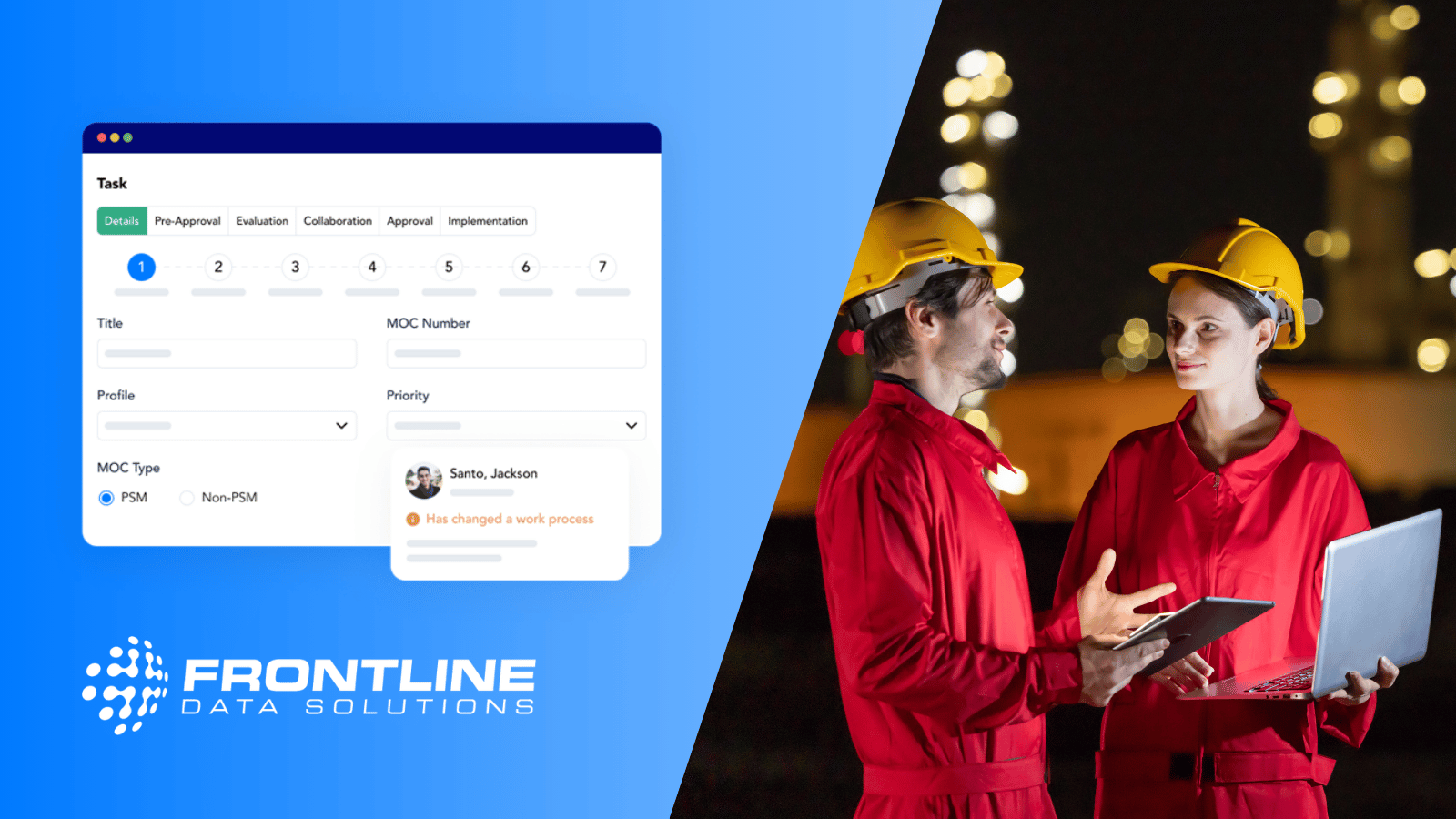
Frontline MOC is a leading software solution for industrial management of change. It allows for coordination of PSM and non-PSM-related changes. So, whether OSHA requires you to have an MOC program in place or you’re doing it electively, the system fits your needs.
At its core, Frontline MOC is a process software solution that simplifies change management. The core workflow allows for optional stages that you can tailor to each change. For more complex changes, include more steps. For less-involved changes, follow the simpler workflow.
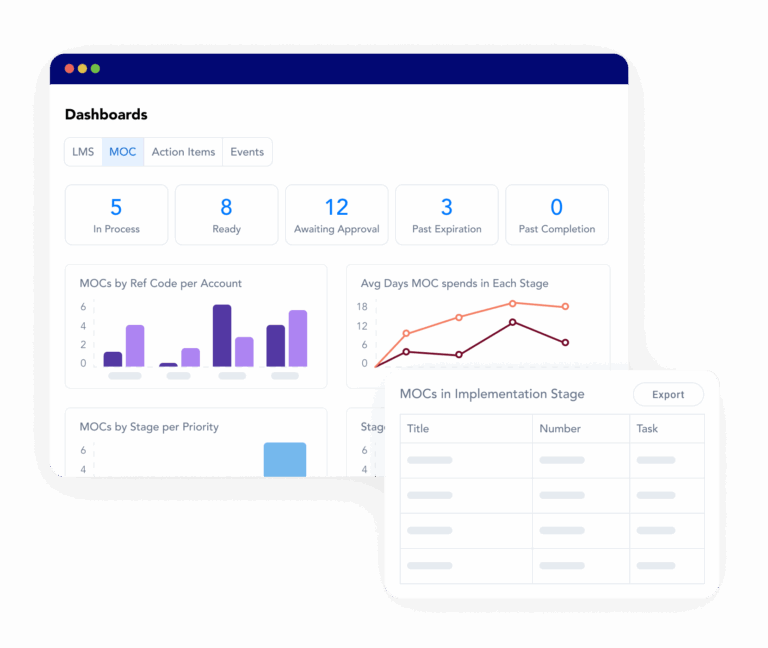
You can lower operational risks with Frontline MOC by:
- Staying updated with real-time status dashboards
- Building custom or standard MOC reports in minutes
- Tracking action items related to your MOCs
- Assigning reviews, approvals, etc., to individuals or specific roles
- Separating MOCs by location, region, etc.
- Documenting your MOCs from start to finish
- Sending automatic notifications for upcoming, overdue, or completed tasks
Over time, this structured change management process can lead to:
- Fewer safety incidents
- Improved regulatory compliance
- Stronger safety culture
- Greater operational consistency
It’s important to note that MOC software only works if your team uses it. That’s why it’s important to consider the type of support and partnership you’ll get from your vendor. You want to find a provider like Frontline Data Solutions that prioritizes implementation and ongoing support to make sure you get the most out of the system.
If you want to prevent safety incidents, you have to take a proactive approach. Don’t wait until after implementation to evaluate the risks of a change. Using MOC software gets your team in the habit of assessing hazards long before they change anything. Frontline MOC provides the framework needed to evaluate risks, enforce accountability, and ensure that every change is implemented safely.
If you’re looking to strengthen your safety program, start by evaluating how your team manages change and whether your current process truly supports your goal to prevent safety incidents. For more information about Frontline MOC, book a demo with our sales team or check out our pricing page for cost details.