


Written by: Monica Kinsey
Monica is a former warehouse operations manager with a passion for workplace safety. Her favorite topics to cover include safety leadership and continuous improvement.
Summary
Safety documentation is the collection of evidence that proves your safety processes exist and that your teams follow them consistently across shifts, contractors, and sites. It includes the forms, checklists, written procedures, emergency response plans, policies, and contractor requirements that make up your EHS program.
But safety documentation isn’t only about achieving and proving compliance. When information is accurate, accessible, and easy to complete, it improves execution in the field. This drivers higher completion rates, better hazard visibility, faster corrective action follow-through, and stronger audit defensibility. Investing in your documentation is one of the most practical ways to reduce the risk of noncompliance, citations, and recurring safety incidents.
Key Takeaways
- Safety documentation should help teams execute critical controls consistently, not just generate paperwork after the fact.
- Clear, accessible documents improve completion rates and data quality across shifts, contractors, and multiple sites.
- Strong documentation links findings to corrective actions with owners, due dates, and verified closure.
- Standardized structure and version control reduce gaps, rework, and “multiple versions in circulation.”
- Better documentation reduces the risk of citations and repeat incidents by making expectations easier to follow and prove.
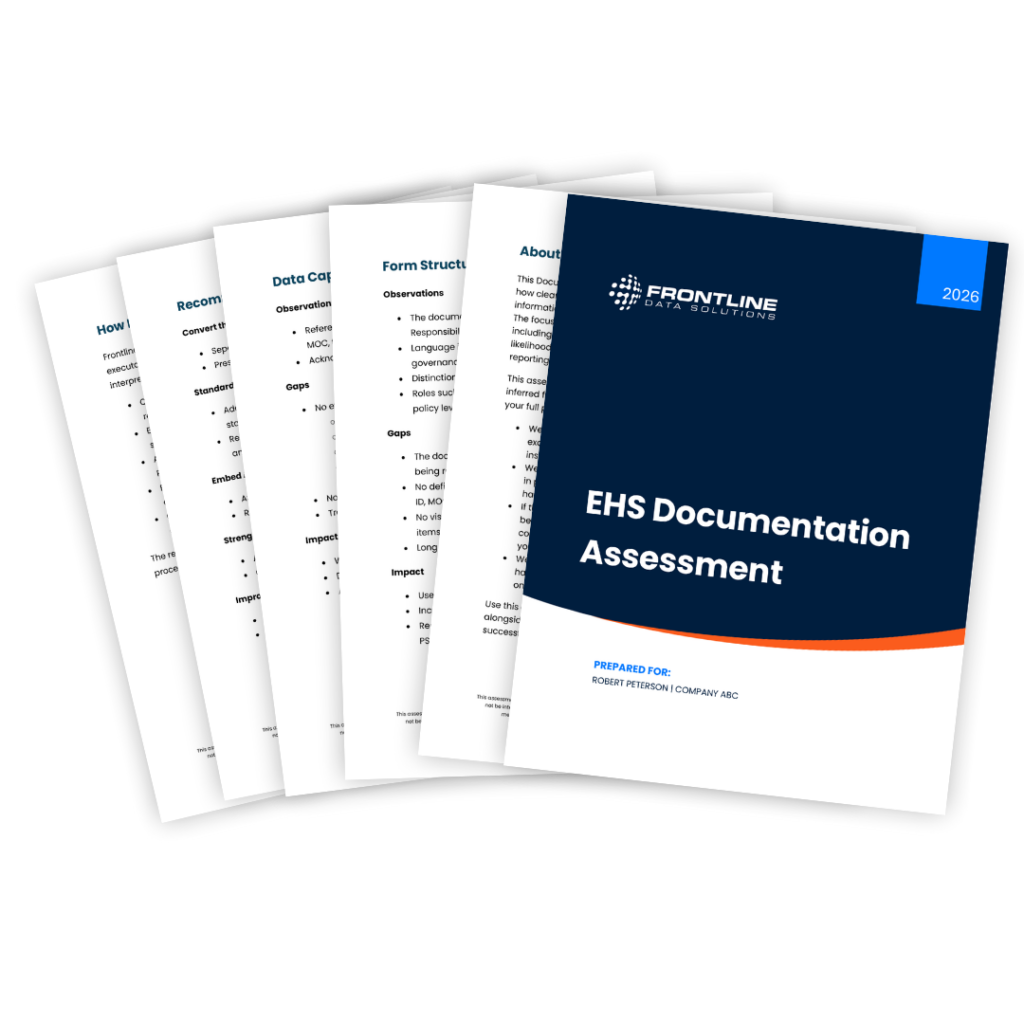
Free EHS Documentation Assessment
Send us one of your safety forms, and we’ll give you a free assessment of its effectiveness, usability, and overall alignment with top OSHA standards.
What Counts as Safety Documentation?
There are five main types of safety documentation which all play a different role in keeping work safe and keeping your program defensible:
- Required safety postings and notices
- Written programs and procedures
- Operational safety forms and checklists
- Incident, near miss, and corrective action documents
- Safety recordkeeping logs and summaries
Required Postings and Notices
Required postings are the documents your employees must be able to see onsite. Usually, common areas like breakrooms, near time clocks, or in a safety hallway are the best places to display them. These postings matter because they communicate employee rights, safety reporting options, and required summaries. Plus, they’re often one of the first things an OSHA inspector or auditor checks.
Examples of this type of safety documentation include:
- OSHA “Job Safety and Health: It’s the Law” poster
- OSHA 300A annual summary posting during the required window (for covered employers)
- State plan posters or other labor-related postings required (based on your location)
Written Programs and Procedures
Written programs and procedures describe how your site manages specific hazards and how you expect employees to work safely. These documents are the backbone of safety documentation because they define what “compliant and safe” means at your facility.
Examples of common written safety programs and procedures include
- Emergency Action Plan
- Hazard Communication program
- Lockout/Tagout (LOTO) program and equipment-specific procedures
- Confined space program
- Hot work procedures
- Powered industrial truck (PIT) procedures
- Contractor safety requirements
- Hazard-specific programs.
These safety documents should be specific enough to guide action but simple enough for supervisors and frontline workers to use without extra explanation.
Operational Forms and Checklists
Your operational forms and checklists are the documents people actually touch during the workday. If written programs describe “what good looks like,” operational forms explain how you verify that workers follow programs consistently on the floor.
Examples include:
- Daily/weekly area inspections
- Pre-start equipment checks
- JSAs/JHAs
- Shift handover checks
- Maintenance safety checklists
- LOTO verification checklists
- Confined space entry and hot work permits
- Contractor sign-in and orientation forms
These documents become your evidence trail when you need to show that workers verified controls before they started work activities.
Incident, Near Miss, and Corrective Action Documentation
Safety near miss and incident documentation captures what happened, why it happened, what you learned, and what you did about it. This category is critical because it demonstrates that your team investigates, assigns ownership, and verifies closure.
This category of safety documentation includes things like:
- Near miss reports
- Incident reports
- Investigation summaries (with root cause analysis)
- Incident witness statements and scene videos or photos
- Immediate and long-term corrective actions (with owners and due dates)
You’ll also want to include closure evidence, such as follow-up inspections, updated procedures, completed training, or equipment repair documentation that proves you’ve implemented and sustained the fix.
Recordkeeping Logs and Summaries
Recordkeeping logs and summaries are the formal records you maintain to meet regulatory requirements and to understand safety performance over time. Even though logs might be required for compliance, they should still be user-friendly for internal use. That way, leaders can see trends, find recurring issues, and target areas where controls consistently fail.
Your recordkeeping documents may include:
- OSHA injury and illness recordkeeping forms (for covered employers)
- Annual summaries
- Training matrices
- Exposure monitoring records (when applicable)
- Inspection logs for certain equipment
- Maintenance records for safety-critical systems
May companies also include documentation control and organization practices in this category. This means having a clear idea of who owns the record, where it’s stored, how long it’s stored, and how quickly it can be produced during an audit or inspection.
When to Provide Workplace Safety Compliance Documents
You should provide workplace safety compliance documents at four moments that matter in real operations:
- Onboarding (before task exposure)
- Before high-risk work activities
- When hazards or processes change
- When you must post or provide documents
Onboarding and Before Task Exposure
You should always provide safety documentation before exposing workers to a hazard, not after a close call. That includes during the initial contractor and employee onboarding process and any role change that introduces new hazards.
This means that your employees should always have access to your site’s safety rules and guidelines, requirement procedures for their tasks, training requirements, and the location of critical documents like safety data sheets or emergency response plans.
For contractors, it often includes contractor orientation documentation, work authorization requirements, and clearly defined boundaries for who can approve high-risk work.
Before Higher-Risk Work Starts
Oftentimes, your workers need critical documentation immediately before work begins. This is where permit-to-work and pre-task documentation prevents failures where leadership assumed that workers understood the hazards and risks of a task.
For example, workers should complete a job safety analysis before non-routine tasks and isolate energy sources before performing equipment maintenance. If your documentation process is too slow, unclear, or hard to complete, workers will either skip it or rush it, which is why document usability matters as much as compliance.
When Hazards or Processes Change
Safety documentation needs to change when the work changes. Any time you add new chemicals, modify equipment, change a process step, introduce a new contractor scope, or revise hazard controls, you should update the relevant documents and ensure your team uses the most recent version.
A common failure is updating the procedure but having the old form still in circulation. Version control and communication are part of providing documentation at the right time. For chemical hazards specifically, hazard communication requirements include maintaining safety data sheets and ensuring workers have access to them during their shifts.
When Documents Must Be Posted or Made Available for Review
For compliance, you have to post some safety documents while others just need to be available for employee review. For example, covered employers must display the OSHA “Job Safety and Health: It’s the Law” poster in a conspicuous place where employees can see it and the OSHA 300A annual summary must be posted during the required window.
What Health and Safety Documents Do I Need?
Your site’s required health and safety documentation depends on your industry, hazards, and regulatory standards that apply to your work. The best way to think about it is to maintain a baseline set of documents that most sites need, then add hazard-specific documents based on your work activities.
Baseline Documents Most Industrial Sites Maintain
Most industrial sites maintain the following documents:
- Emergency action plan
- Hazard communication written program (when hazardous chemicals are present)
- Role and task-specific training documentation
- Routine inspection checklists
- Incident and near miss documentation
- Corrective action tracking records
An emergency action plan is useful when it’s clear, site-specific, and easy to follow under stress. It should answer questions like: “How do we report an emergency,” “where do we evacuate,” “who accounts for employees,” and “who has authority to shut down critical operations?” OSHA’s emergency action plan requirement requires that you write your plan, keep it in the workplace, and make it available to employees for review. Employers with 10 or fewer employees are exempt from this requirement.
Hazard communication (HazCom) is another baseline need in most industrial environments where hazardous chemicals are common. A practical HazCom program explains your approach to chemical inventory and labeling, employees’ access to SDS, and training delivery and documentation. The HazCom standard requires a written program and outlines availability expectations.
Recordkeeping Where Required
If you are covered by OSHA recordkeeping rules, you may need to maintain OSHA Forms 300, 300A, and 301 (or equivalent forms that meet the requirements). These records are not only compliance artifacts; they can help you identify injury trends by department, shift, job type, or facility and prioritize prevention efforts.
Hazard-Triggered Documents Common in Industrial Operations
There are certain forms, permits, procedures, and verification records you only need when certain hazard exists or tasks are performed. These often include confined space permits, hot work permits, LOTO procedures and verification records, contractor authorization and orientation records, safety-critical inspection and maintenance records, and task-level risk assessments (JSA/JHA).
For example, if your maintenance team services energized equipment, you typically need clear LOTO procedures and a verification step that confirms they isolated the equipment before starting work. If you manage contractors, you generally need documented orientation and controls to ensure contract workers understand site rules and high-risk work requirements.
How to Complete Health and Safety Documentation Correctly
Most forms don’t fail because people are careless. They fail because the form itself makes correct completion unrealistic on the floor. Use the steps below to improve the user-friendliness of your safety documentation to increase completion quality and reduce rework.
Make the Trigger Unmistakable
All of your safety forms and checklists should state when workers must use them. A one-sentence trigger reduces inconsistent use across shifts and supervisors. For example, a hot work checklist should clearly state that workers must complete it before doing any cutting, welding, or grinding begins. It should also state whether the information should be revalidated if conditions change.
How NeoGraf Used Software to Transform Their EHS Program

Require the Minimum Essentials
Operational safety documentation should capture the details you need to prove what happened and who was involved. At a minimum, include:
- Date and time
- Facility and specific location
- Task or equipment identifier
- Person completing the form
- Reviewer or approver (when required)
Without these essentials, a form may be filled out but difficult to defend later.
Use Prompts People Can Answer Consistently
Replace vague prompts like “area is safe” with checks that people can evaluate the same way. For example, “walkways clear of trip hazards (Yes/No)” is more consistent than “housekeeping acceptable.” When verification matters, prompt the person filling out the document to provide the specific standard or procedure, such as:
“Energy isolation verified per procedure ID ___ (Yes/No/N/A).”
Force Follow-Through When Something is Wrong
A form that captures problems without capturing action is incomplete. Every “No” your team writes should trigger a corrective action with an owner, a due date, and closure verification. That closure verification is what prevents repeat issues and is often the difference between saying you noted an issue versus saying you controlled it.
Reduce Free Text Where Structured Options Work Better
Sometimes, having a text box for workers to write notes is necessary, but only use it in a form if there’s no other way to collect the required information. Using multiple choice or yes/no options is the best way to get consistent answers that you can measure over time. Having standard answer options helps supervisors review forms quickly, and it makes trend analysis possible across multiple facilities.
Control Document Versions So Teams Don’t Use the Wrong Form
Version drift is one of the most common documentation failures in multi-site operations. Make sure to include a document ID, revision number/date, process owner, and a clear location for the current approved version of critical safety forms and checklists. If people are printing forms, ensure they don’t have access to old copies or clearly mark them as obsolete.
The 10 Most Common Problems with Safety Documentation
- The document doesn’t state when workers must use it, so teams apply it inconsistently.
- The language is ambiguous, and “good” is not clearly defined.
- The form captures too much information that doesn’t affect decisions.
- The checklist verifies activity (“checked”) instead of verifying controls (“confirmed isolation”).
- Ownership is unclear, so review and closure are inconsistent.
- There is no escalation step when workers find a hazard.
- Findings are not linked to corrective action closure evidence.
- Essentials like date/time, location, equipment ID, and signoff are missing.
- Different versions circulate across departments or facilities.
- The document assumes office conditions, not field reality (gloves on, time pressure, interruptions).
Use Safety Documentation to Reduce Variability Across Sites
If you manage multiple facilities, safety documentation is often where variability shows up first. Two sites may follow the same process but use different document versions, different definitions, and different follow-through discipline.
Standardizing documentation structure and making it easier to complete correctly is one of the fastest ways to improve consistency without adding administrative work. It also makes leadership review easier because supervisors no longer interpret different forms at each facility.
Complimentary Safety Documentation Assessment
When was the last time you did an unbiased review of your safety documentation? Our team at Frontline Data Solutions is offering to do a complimentary assessment for you, so you can find issues before OSHA does.
Here’s how it works:
- Visit our EHS Documentation Assessment page and submit one safety form you want us to review.
- We’ll send you back a full assessment with actionable insights you can use to improve your document.
- Take it a step further and see the digital version of your form in our EHS software demo site.
Taking a couple minutes to submit your form could save you hours later on by improving the effectiveness, usability, and overall compliance of your documentation.